kirra-docs
DXF Import
Kirra imports AutoCAD DXF files as drawings (KAD points, lines, polygons, circles and text) and as surfaces (3DFACE and polyface meshes). Holes in a DXF come in as drawing entities, not as blast holes.
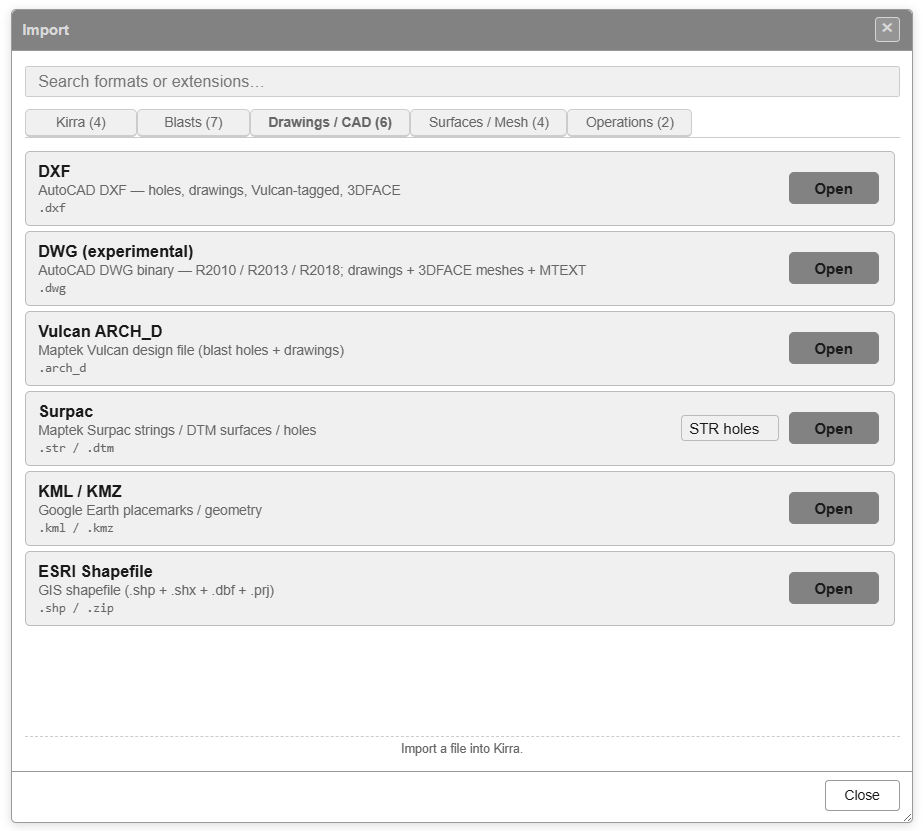
How to import
- Open the Import dialog and choose the Drawings / CAD tab — see The Import Dialog.
- Click Open on the DXF row.
- Select one or more
.dxffiles. Hold Ctrl or Shift to pick several — for example one file per bench. - A DXF Import Progress bar runs for larger files. When the import finishes, Import Complete reports how many files were imported, or DXF Import Failed lists the files that could not be read.
You can also drop .dxf files onto the canvas. Each dropped file is imported, and
reported, on its own.
If the new drawing is more than 100 km from the data already loaded, Kirra warns that the coordinate systems may not match — see The Import Dialog.
What each DXF entity becomes
| DXF entity | In Kirra |
|---|---|
| POINT | KAD points, grouped into one entity per DXF layer |
| INSERT (block) | A KAD point at the insertion point. The block’s contents are not exploded |
| LINE | KAD line |
| LWPOLYLINE / POLYLINE | KAD line, or polygon when the polyline is closed |
| ARC | KAD line following the arc |
| CIRCLE | KAD circle |
| ELLIPSE | Closed KAD polygon |
| TEXT / MTEXT | KAD text, keeping its rotation |
| 3DFACE and polyface meshes | A surface — one per DXF layer |
Other entity types (SPLINE, HATCH, DIMENSION and so on) are skipped.
Polylines from Maptek Vulcan that carry a Vulcan name come in named VN_<name>, with a
text label at their first point.
Names, layers and colours
- Every drawing entity gets its own name, built from its DXF layer, its type and a
number:
<layer>_<type>_0001,<layer>_<type>_0002and so on. - All of a file’s drawings go into one drawing layer named after the file. Importing a
file with the same name again creates
name_2,name_3and so on. - Each 3DFACE layer becomes a surface named after its DXF layer.
- Entity colours come from the DXF colour index or true colour. Entities coloured ByLayer take their layer’s colour. Entities coloured ByBlock come in white.
- Lines and polygons longer than 10,000 points are split into parts, named
_chunk1of3and so on, so they stay quick to draw and edit.
Coordinates
X, Y and Z are kept exactly as they are in the file. If your DXF is in a different coordinate system from your project, use DXF — Transform (reproject CRS) — see Transform Import.
Binary DXF
Import ASCII (text) DXF. If your CAD package saves binary DXF, save as ASCII DXF instead.
For AutoCAD’s own .dwg format, see DWG.