kirra-docs
Reapply Charging
Re-fits the charging already in a hole to the hole as it is now. Use it after you change hole length, bench height, subdrill or diameter, so the decks, masses and primers follow the new hole.
Re-fit the charging
- Select the holes. Holes with no charging are skipped.
- Click Reapply Charging on the Holes toolbar.
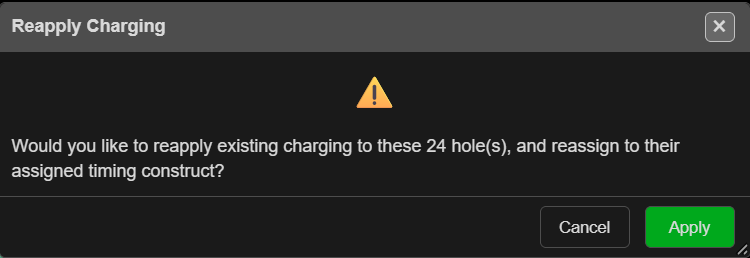
- The Reapply Charging prompt asks whether to reapply the existing charging to that many holes and reassign them to their timing construct. Click Apply.
- Kirra reports “Reapplied charging to … hole(s).”
What changes
Reapply does not run the charge rule again. It takes each hole’s own decks and stretches or shrinks them to the new length, following each deck’s scaling setting from the Deck Builder:
| Deck setting | On a longer or shorter hole |
|---|---|
| Fixed length | Keeps its length |
| Fixed mass | Keeps its mass, so its length changes with the diameter. A mass formula is worked out again |
| Variable | Its formulas are worked out again for this hole |
| Proportional | Shares the rest of the hole in proportion |
- The last deck always ends at the toe.
- Primers move in proportion to the new length, staying between the collar and 0.1 m above the toe.
- A formula that gives no answer keeps the deck’s old length.
- Masses are recalculated, then timing constructs are reapplied across the blast so detonator times stay right.
Tip: To load holes with a different rule, use the Deck Builder — Apply Rule…, then apply to the selected holes. Reapply only re-fits what is already there.
Troubleshooting
| Message | Cause | Fix |
|---|---|---|
| “No holes selected. Select holes on the canvas before reapplying.” | Nothing selected | Select the holes first |
| “None of the selected holes have an existing charging configuration to reapply.” | The holes are not charged | Charge them with the Deck Builder first |
Reapply cannot be undone.