kirra-docs
Remove Charges
Takes all charging out of the selected holes — every deck, product and primer. Use it to start a hole’s loading again, or to clear holes that will not be fired.
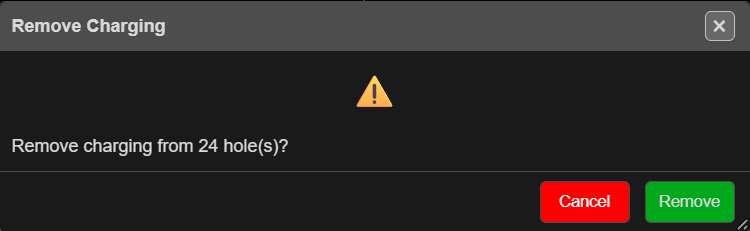
Clear the charging
- Select the holes.
- Click Remove Charges on the Holes toolbar.
- The Remove Charging prompt asks “Remove charging from … hole(s)?” Click Remove.
- Kirra reports “Removed charging from … hole(s).”
With nothing selected, Kirra says “No holes selected.”
What is kept
- The holes themselves, their geometry and their timing (delay and tie).
- Their place in any timing construct.
- The products and charge rules in the Product Manager.
Displays that depend on charging — powder factor, PPV and the like — update straight away.
Warning: Remove Charges cannot be undone. To keep a copy, export the charging first — see Charging CSV in CSV Export.