kirra-docs
Extrude, Boolean, and Section Plane
These tools connect KAD drawings to surface operations, enabling you to create 3D geometry from 2D design boundaries.
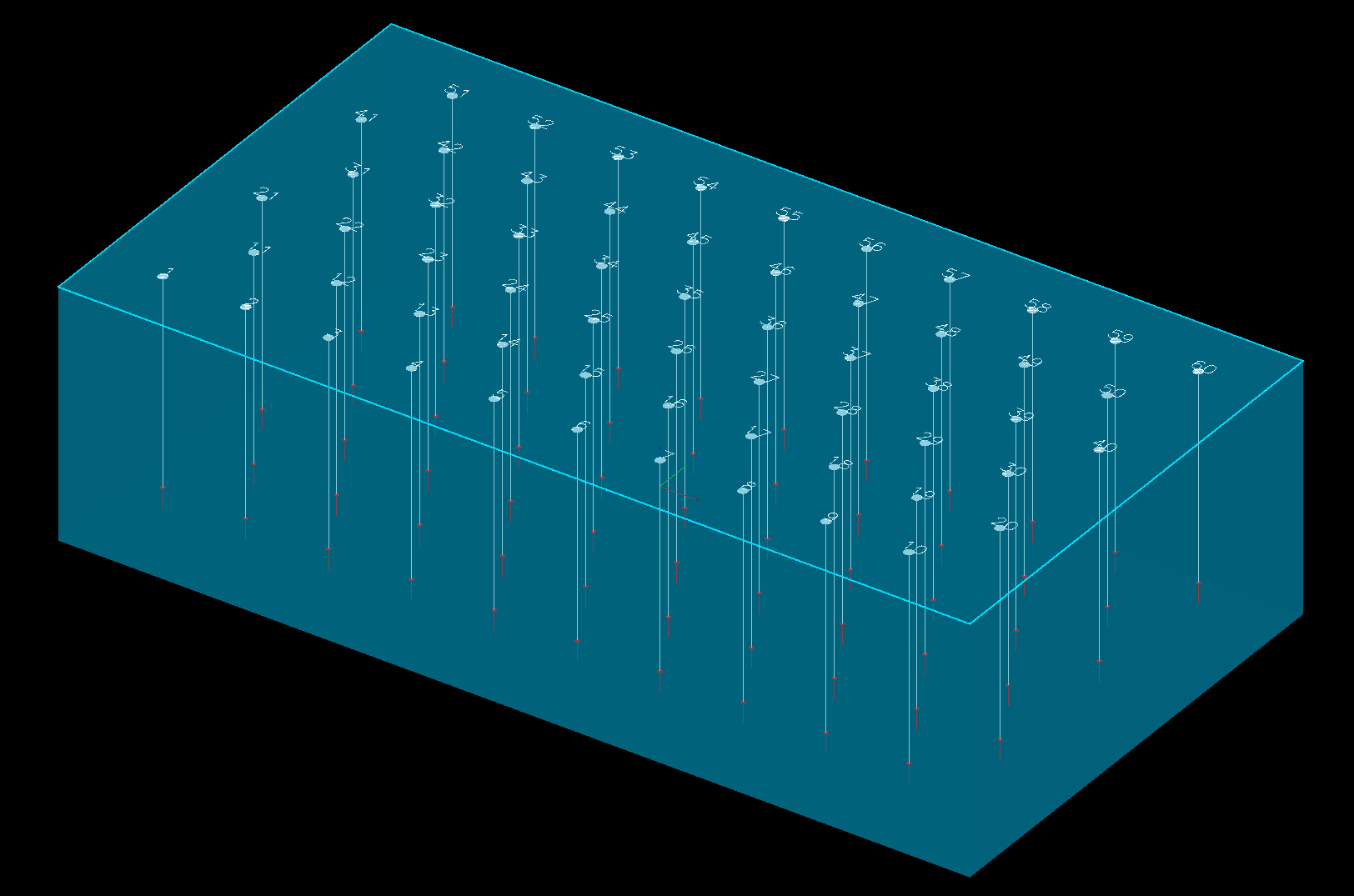 A closed polygon around a blast, extruded 12 m down and shown part-transparent in 3D.
Extrude KAD to Solid
Extrudes a closed KAD polygon straight up or down into a closed 3D solid, from Extrude KAD to Solid on the Surface toolbar. Choose the Polygon, set Depth (m) +ve=up, -ve=down, and click Apply. See Extrude KAD to Solid.
Use Cases
- Creating pit shell volumes from 2D outlines
- Building bench outline solids for volume calculations
- Generating exclusion zone meshes
- Creating design surfaces from plan-view boundaries
KAD Boolean
Union, intersect, difference and XOR of closed polygons, from KAD Boolean on the Modify toolbar. See KAD Boolean.
Section Plane
Slices the 3D scene along a plane so you can see the design side-on — holes, drawings, surfaces and block models. It is on the Select toolbar. Draw a line where you want the section, then choose Segment in the Section Plane dialog and click the line; or choose Two Points and click the two ends.
See Section Views.
Use Cases
- Verifying pit wall design against actual terrain
- Checking bench geometry at specific locations
- Visualising sub-surface layers
Related Topics
- Drawing Points, Lines, and Polygons
- Modify Toolbar – Transform, Offset, Radii, Reorder, Boolean, Join, Split tools
- Surface Boolean & CSG
- Importing Surfaces