kirra-docs
Drawing Points, Lines, and Polygons
KAD (Kirra App Drawing) entities are the vector drawing objects in Kirra – points, lines, polygons, text, and circles. They are used for design boundaries, annotations, blast outlines, and input to surface operations like extrude and boolean.
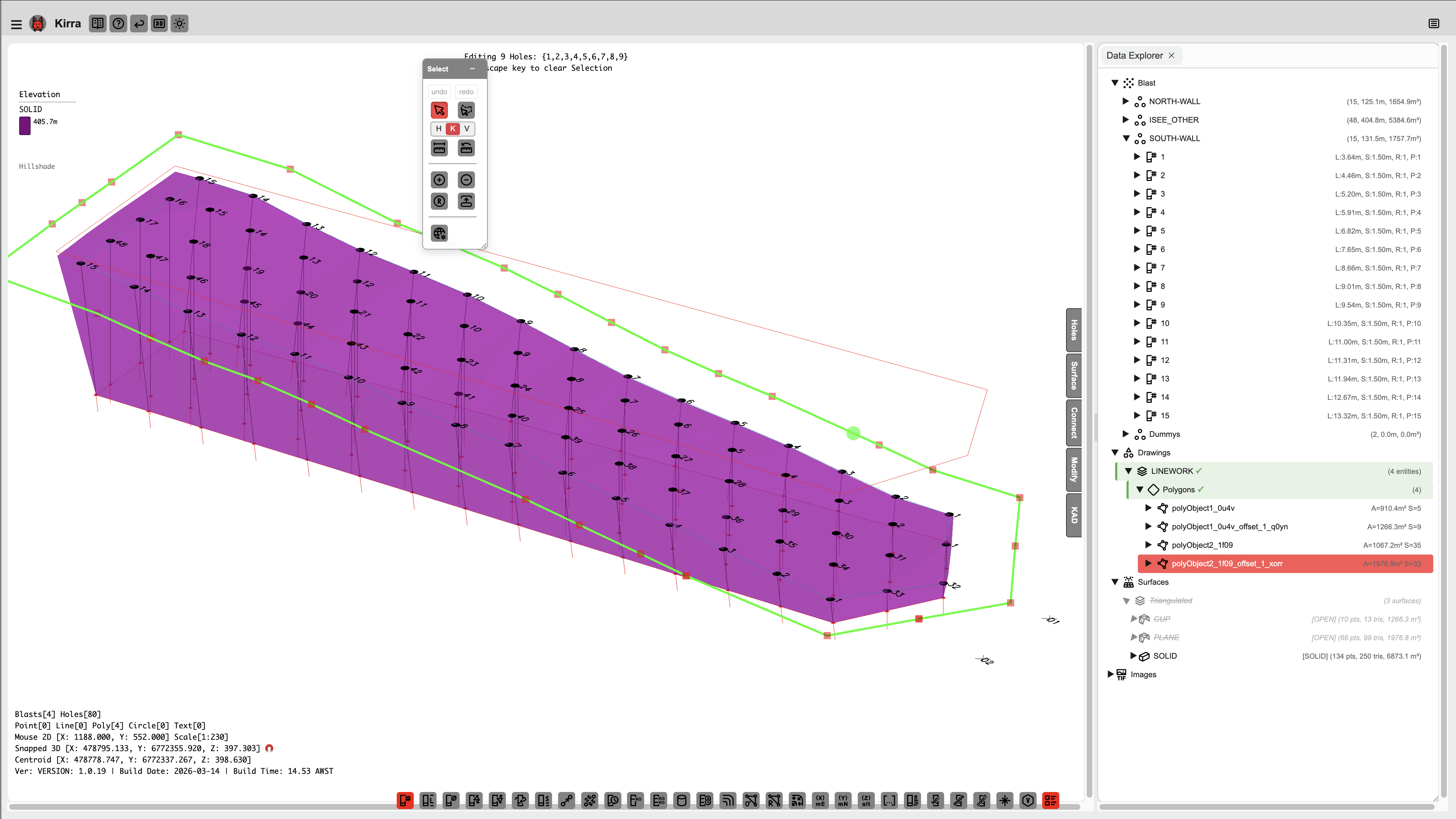
KAD Entity Types
| Type | Description |
|---|---|
| Point | Single coordinate with colour and marker |
| Line | Open polyline (series of connected vertices) |
| Polygon | Closed polyline (automatically closes back to the first vertex) |
| Text | Text label placed at a coordinate with configurable font height |
| Circle | Circle entity with centre point and radius |
Drawing Tools
The drawing tools are on the KAD toolbar:
- Drawing Basics — finishing, undo, layers, height and snapping, common to every tool
- Points, Lines, Polygons and Circles — including the right-click placement modes
- KAD Text — labels and
fx:formulas - Roads and Ramps
Entity Properties
Each KAD entity has the following properties:
| Property | Description |
|---|---|
| Entity Name | Group name (related entities share a name) |
| Entity Type | point, line, poly, circle, or text |
| Point ID | Unique identifier for each vertex |
| Coordinates | X (Easting), Y (Northing), Z (Elevation) |
| Colour | Display colour |
| Line Width | Line thickness for lines and polygons |
| Visible | Show/hide toggle |
| Closed | Whether the entity forms a closed shape |
TreeView
KAD entities appear in the TreeView (Data Explorer) with the node ID format:
entityType⣿entityName⣿element⣿pointID
Right-click a KAD entity in the TreeView for options including:
- Show Statistics (length, area, perimeter, bounding box)
- Move to Layer
- Split Line / Join Lines
- Delete
KAD Statistics
Right-click a KAD entity and select Show Statistics to see:
| Entity Type | Statistics |
|---|---|
| Lines | Vertex count, segment count, total length, bounding box |
| Polygons | Vertex count, segment count, perimeter, enclosed area, bounding box |
| Points | Point count, bounding box, centroid |
Split and Join Lines
Split and Join are on the Modify toolbar — see Join and Split KAD Lines.
Related Topics
- Modify Toolbar – Transform, Offset, Radii, Reorder, Boolean, Join, Split tools
- Extrude, Boolean, and Section Plane
- Interface Tour
- DXF Export